
Build Elementor websites up to 12x faster

ELEMENTS ROCKET
An awesome Elementor UI Kit platform that keeps growing
Elements Rocket offers hundreds of Elementor components – from beautiful header menus to FAQ sections, contact forms, CTAs, heroes, carousels, tabs, complete themed pages, codes, effects and much more – ready to copy from the platform and paste into your Elementor.
Components
Get access to over 400 Elementor sections, dozens of categories and powerful search tools. Simply copy and paste into your Elementor.
Pages
Pre-designed, themed and styled pages for a variety of businesses and niches – all of them ready to copy and paste.
Effects & Snippets
Custom effects and useful code snippets with easy and simple step-by-step instructions, no coding required.
My Blocks
Created a section you liked and want to save it to use later? Back it up directly into Elements Rocket and keep it always at hand.


The full experience of browsing and copying Elements Rocket components without ever leaving your Elementor editor. Available for Chrome and Firefox.
Create a free account and start exploring (no credit card required)
QUALITY OVER QUANTITY
Some UI Kits put quantity over quality. We don't. All of our 400+ components are professionally designed, follow strict design rules and are super fast.
Every component is created by our design team and follows strict design rules (spacing, grid systems, margins, paddings, font hierarchy and more) that make them compatible with each other, allowing you to mix and match seamlessly. They also use Global Styles, which means you can customize styles in one place and all components will be updated at once.
Fully responsive
Every component is responsive and designed to work across desktop, tablet, and mobile.
Consistent design
All components follow the same design rules and system, so you can combine them seamlessly.
Global styles
Update once, apply everywhere. Change styles in one place and all components will follow.
Built for speed
Clean, lightweight components mean your pages load without bloat dragging them down.
Create a free account and start exploring (no credit card required)

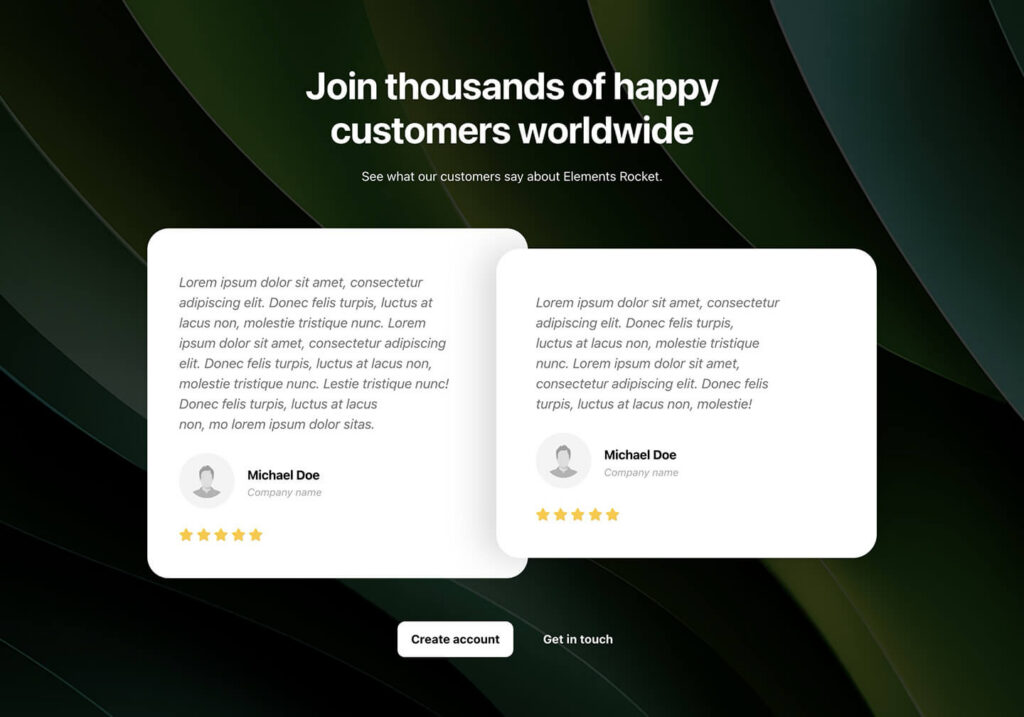
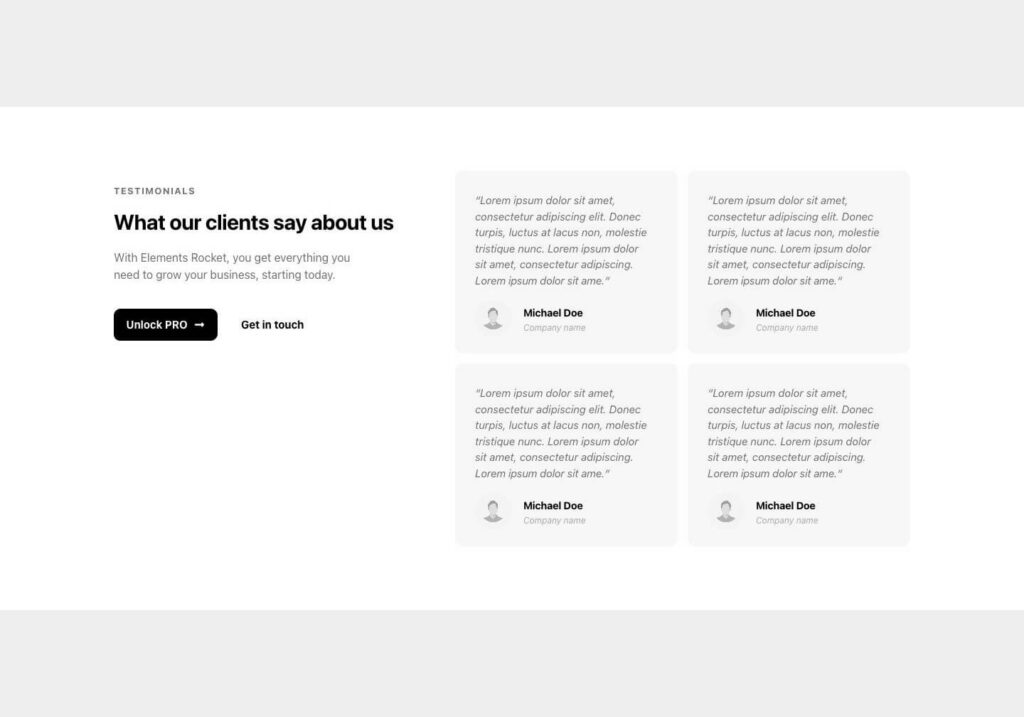
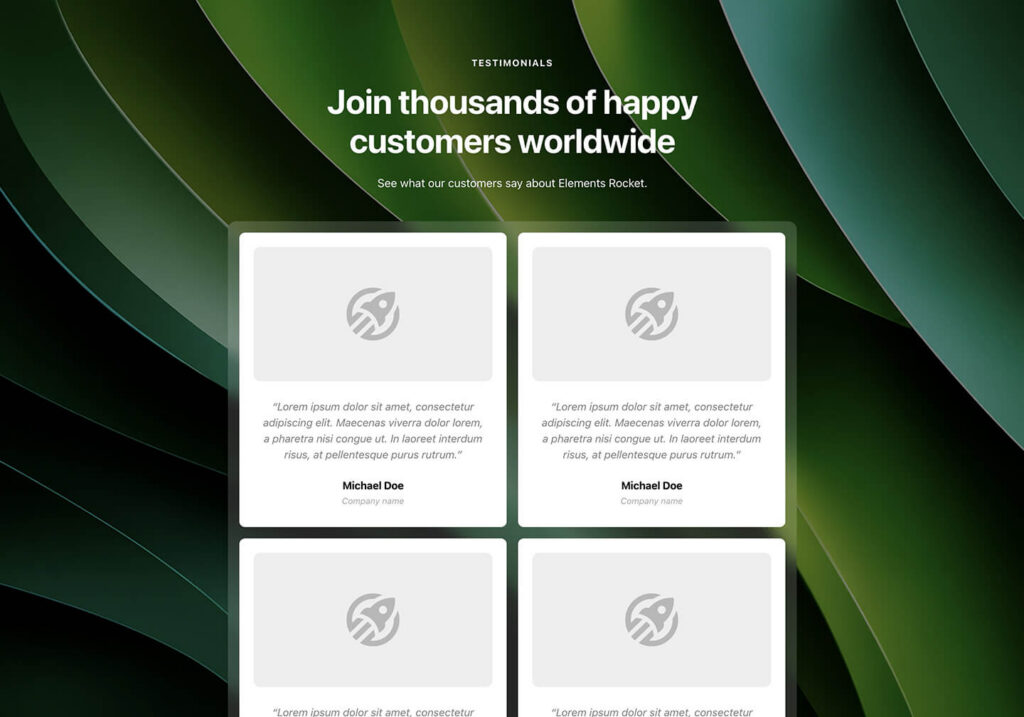
Elements Rocket is the perfect tool for anyone who needs to create beautiful, professional Elementor websites fast and consistently – without wasting hours on repetitive tasks or compromising quality. Check out some of the testimonials we get from the community:

“I’ve been really enjoying Elements Rocket and its updates. It’s the first tool I’ve seen that truly delivers on its promises when it comes to accessibility and ease of use. It has a lot of great features and content.”

“I own a gym with 600 members, as well as a coffee shop and a sporting goods store. I’ve also been working in digital marketing since 2014. I’ve already told you guys that you’re the best, but I’ll say it again: you’re the best! Thank you for all your support. Keep doing what you’re doing, because stopping would be a big mistake. Great job!”

“Totally worth it. I had never used WordPress or Elementor before, and I’m already working on my second website. I’m still a beginner, so it takes me about a week to complete a website, but I think that’s pretty good for someone who had never worked with either platform before. Also, I’m building full websites, if I were creating landing pages, I think I could finish them in just a couple of days. Also, incredible support.”

“I don’t usually write testimonials, but I felt compelled to share how much you’ve helped people like me who have no prior experience in this field. You’ve made something that used to feel very complicated and time-consuming so much easier. Now, I can complete my projects much more quickly and easily.”
Create a free account (no credit card required)
Over 400+ Components
25+ categories
Live previews
Start free (no credit card)
HOW DOES IT WORK?
It's as simple as 1... 2... 3!
No more starting from a blank page. Build in minutes what used to take hours. Just copy, paste and customize.
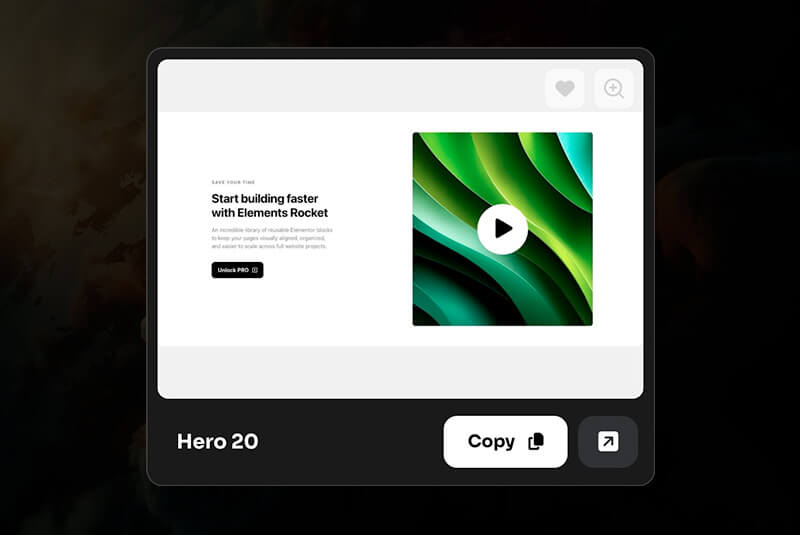
Browse & Copy
Browse hundreds of components and pick the one that fits. Copy in one click.
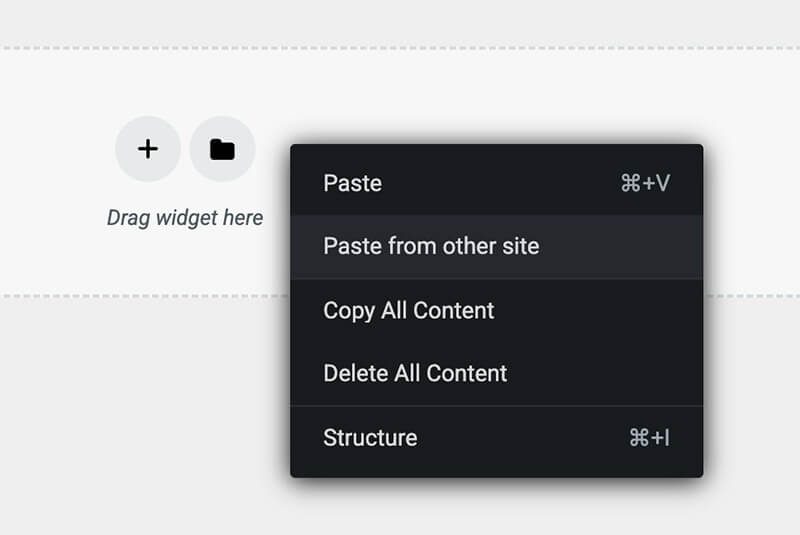
Paste into Elementor
Paste the copied component directly into your Elementor editor canvas.
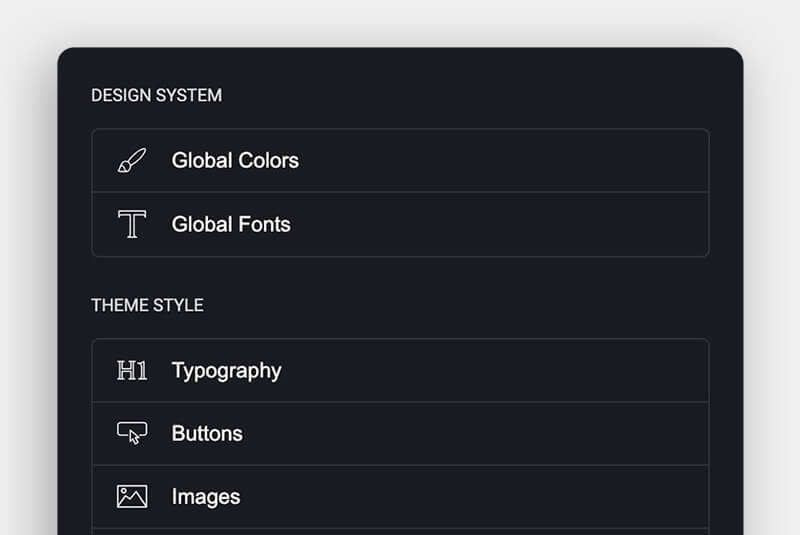
Customize it
Add your content and easily customize styles to match your project’s brand
Ready to try it out?
IS IT FOR ME?
It was created for anyone who builds with Elementor
From experienced web designers to beginners and business owners, Elements Rocket offers everything you need to deploy professional-grade Elementor websites in no time.
How Elements Rocket helps Agencies & Freelancers
Build client websites faster with reusable sections, streamlined workflows, and consistent designs that save time while keeping every project polished and professional.
How Elements Rocket helps Beginners
Create professional websites with less guesswork and with much more confidence using ready-made sections, intuitive tools, and proven layouts that make building beautiful pages easier from day one.
How Elements Rocket helps Business Owners
Launch and update your website quickly without relying on developers for every change, so you can focus on running and growing your business.
How Elements Rocket helps Digital Creators
Create polished landing pages and sales pages faster, with pre-designed reusable components and pages that keep every product launch consistent, professional, and much easier to scale.
No credit card required
FAQ
Some frequently asked questions you may have
What is Elements Rocket?
A UI Kit for Elementor with hundreds of ready-made components, pages, effects, and code snippets you can copy and paste into your website.
Who is Elements Rocket for?
Elements Rocket is built for anyone working with Elementor. Whether you’re just starting out, running a small business, working as a freelancer, or part of an agency, it gives you everything you need to create professional websites faster.
Do I need to be experienced?
Already comfortable with Elementor? You’ll wrap up projects in a fraction of the time. Brand new to it? Elements Rocket is a practical starting point that will help you work with much more confidence.
Are components customizable?
Yes. All of the content is 100% customizable – from the content itself (images, texts, etc) to the design, layouts and styles.
How do I use Elements Rocket?
The process is super straightforward. Hit the Copy button on any component, then paste it straight into your Elementor editor using “Paste from other site.” That’s all there is to it, really.
What is included in the free account?
A free account gives you access to a collection of free components to use. It also gives you a glimpse of all we offer in the Pro plan.
Do I need to install any plugin besides Elementor?
Nope. No need to install any other plug-ins.
Can I use it for commercial projects?
Of course! Even while using a free account. You may use Elements Rocket for both personal and commercial purposes – while always respecting the Licensing terms.
Are there updates and new components?
Yes. New sections, components and pages are added all the time, so your library continues to grow and stays stocked with fresh, modern designs.
What are Components?
Components are, in a nutshell, Elementor sections that you can copy from our platform and paste into your website.
Our components are all designed by professional webdesigners with years of experience. All components follow a strict design system (spacing, sizes, visual feel) so that you can mix-and-match all of them according to your project’s needs.
What are Pages?
Complete pages that you can copy from our platform and paste into your Elementor, potentially saving days of development time.
Some pages are themed and come with images, typography styles, colors and more, while other pages are simply suggested sequences of our Components made into a specific type of page (About, Home, Contact, etc).
What is My Blocks?
We love this feature. We, as webdesigners have always wanted a way to backup our best sections to use them in future projects. Now we (and you) can!
My Blocks is a feature that lets users backup/save THEIR OWN Components into Elements Rocket. You can even categorize them and browse through them with a powerful filter engine.
Then, to use it, just click the copy button and paste it in Elementor where you want to use it.
What are Effects & Codes?
These are nice snippets of code that work seamlessly with Elementor. For instance: we offer codes that block right mouse click; glass-like effect for section backgrounds and much, much more.
You do NOT need to have programming knowledge to use them. Most of them are customizable, directly inside Elementor.
Is the content customizable?
Yes – that’s exactly the idea. All Components, Pages, Effects and contents we provide are fully customizable, so that you can make them your own.
Are they responsive for tablet and mobile too?
Yes. All content is 100% responsive for tablet and mobile – saving you the work of having to worry about it. It’s already done.
Does it work with any WordPress theme?
Yes. The layouts work with most themes compatible with Elementor. However, we always recommend using Hello Elementor theme, as it is the most compatible one.
Do I need to know how to code?
No. Everything is copy-and-paste (including the effects and code snippets). No programming knowledge required. Even the code snippets come with instructions showing you exactly how to use and customize them.
What about speed and performance?
All components and pages are built with lean markup and performance in mind.
What is the FREE account?
The free account gives you basic access to a collection of our Components. You may use them as you wish (for both personal and commercial projects), at no cost, so you can test our platform and familiarize yourself with the quality of our library.
What is the PRO subscription plan?
The PRO subscription plan gives you access to absolutely everything we have to offer.
To subscribe to it, first create a free account (if you don’t already have one). Once you are logged in, you’ll see the option to subscribe to the PRO plan.
What are the billing cycles?
We currently offer both monthly and annual billing cycles. The longer the cycle, the cheaper it gets per month.
How can I try it before I buy?
We offer the free account for exactly that. By using the free-tier account, you’ll be able to get to know our platform, our content and see first hand how everything works.
How can I manage my subscription?
In the Elements Rocket dashboard (logged in), you can access the Account page, where you can edit your personal information and manage your subscription, see billing history and more.
What happens if I cancel my PRO subscription?
Your paid subscription access remains active until the end of your current billing period. Once it expires, your account will switch back to the free account tier and the paid content will no longer be available to you.
Everything you’ve built with PRO content, while enjoying your paid subscription, keeps working normally – nothing is disabled, erased or lost.
Do I get access to the updates?
Of course! Any content added during your active subscription is included at no additional charge and automatically added to your Elements Rocket dashboard.
How does support work?
A dedicated support page is available with useful guides and tutorials. And whenever you need direct help, you can always reach our team at [email protected]
We are more than happy to help in whatever way we can!
How can I get in touch if I need help?
We are available at [email protected] and ready to help you with anything you need related to Elementor, Wordpress and Elements Rocket.